
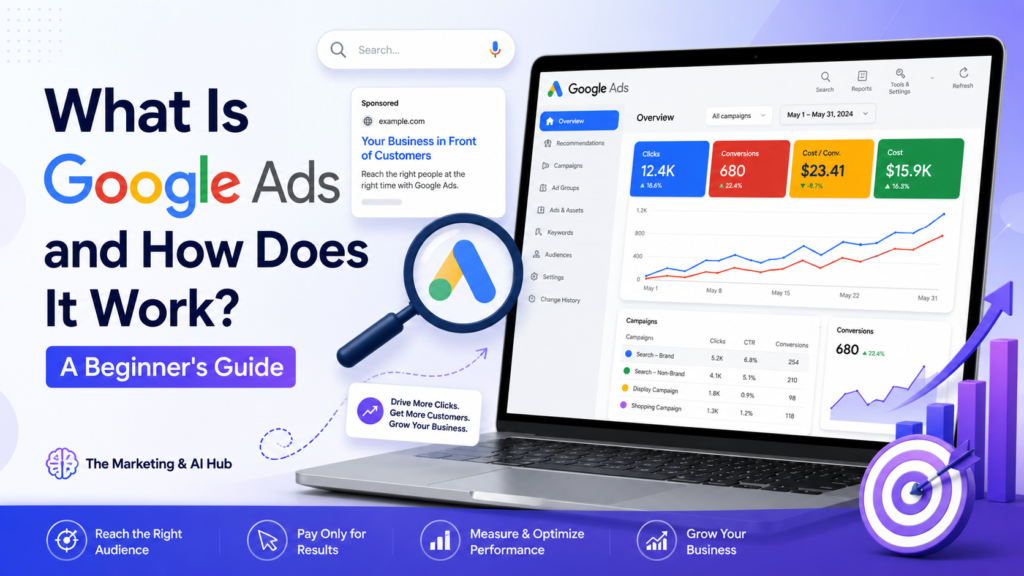
What Is Google Ads?
Google Ads is an online advertising platform that allows businesses to show ads on Google Search, YouTube, websites, apps, and other Google partner platforms. It helps businesses reach people who are actively searching for products, services, or information online.
For example, when someone searches on Google for “best digital marketing services” or “Google Ads expert near me,” paid ads may appear at the top of the search results. These ads are created and managed through Google Ads.
Google Ads is powerful because it connects businesses with people who already have interest or intent. Instead of waiting for customers to find your website naturally, Google Ads helps you appear in front of the right audience at the right time.
How Does Google Ads Work?
Google Ads works on a bidding system. Advertisers choose keywords related to their business, create ads, set a budget, and bid for ad placements.
When a user searches for a keyword, Google runs an auction to decide which ads will appear and in what order. The winning ads are shown on the search results page.
However, Google does not only look at how much money an advertiser is willing to pay. It also checks the quality and relevance of the ad. This means a well-structured ad with a useful landing page can perform better than an ad with a higher bid but poor quality.
Main Parts of Google Ads
1. Keywords
Keywords are the words or phrases people type into Google. If you are running a campaign for digital marketing services, your keywords may include:
- Google Ads services
- digital marketing agency
- SEO services
- PPC campaign setup
- conversion tracking setup
Choosing the right keywords is very important because they decide when your ads will appear.
2. Ads
Ads are the messages users see on Google. A good ad should be clear, relevant, and focused on the user’s need.
A strong Google ad usually includes:
- A clear headline
- A benefit-focused message
- A strong call-to-action
- Relevant keywords
- A reason to click
For example:
Google Ads Setup Services
Get professionally structured Google Ads campaigns designed to generate quality leads and reduce wasted ad spend.
3. Landing Page
A landing page is the page users visit after clicking your ad. This page should match the ad message and guide visitors toward taking action.
A good landing page should have:
- A clear headline
- Strong service description
- Trust signals
- Easy contact form
- Fast loading speed
- Clear call-to-action
If your ad is strong but your landing page is weak, users may leave without contacting you.
4. Budget and Bidding
Google Ads allows you to control your daily budget. You can decide how much you want to spend each day.
Bidding means telling Google how much you are willing to pay for clicks, leads, or conversions. Depending on your campaign goal, Google Ads can help optimize for:
- Clicks
- Leads
- Calls
- Website visits
- Sales
- Conversions
5. Conversion Tracking
Conversion tracking is one of the most important parts of Google Ads. It helps you measure what happens after someone clicks your ad.
A conversion can be:
- Form submission
- Phone call
- WhatsApp click
- Purchase
- Button click
- Appointment booking
- Lead submission
Without conversion tracking, you may know how many people clicked your ad, but you will not know which clicks turned into real leads or customers.
Types of Google Ads Campaigns
Search Campaigns
Search campaigns show text ads on Google Search. These are useful when people are actively searching for your service.
Example:
Someone searches “Google Ads expert” and your ad appears at the top of Google.
Display Campaigns
Display campaigns show image ads on websites, apps, and Google partner platforms. These are useful for brand awareness and remarketing.
Video Campaigns
Video campaigns show ads on YouTube. These are useful for promoting services, products, personal brands, and educational content.
Performance Max Campaigns
Performance Max campaigns allow ads to appear across multiple Google platforms, including Search, YouTube, Display, Gmail, Discover, and Maps. These campaigns use automation and machine learning to find potential customers.
Why Businesses Use Google Ads
Businesses use Google Ads because it can produce faster results compared to organic marketing. SEO and content marketing are important, but they take time. Google Ads can help businesses start getting traffic and leads quickly.
Main benefits of Google Ads include:
- Fast visibility on Google
- Targeted audience reach
- Budget control
- Measurable results
- Lead generation
- Local and international targeting
- Campaign performance tracking
When set up properly, Google Ads can help businesses reach high-intent customers who are already searching for their services.
Common Google Ads Mistakes
Many beginners waste money in Google Ads because they skip important setup steps.
Common mistakes include:
- Using broad keywords without control
- Not adding negative keywords
- Sending traffic to a weak landing page
- Not setting up conversion tracking
- Poor ad copy
- Wrong location targeting
- Ignoring search terms
- Not testing different ads
To get better results, every campaign should be planned, tracked, tested, and optimized regularly.
How to Improve Google Ads Performance
To improve Google Ads results, focus on these areas:
Use relevant keywords
Choose keywords that match real buyer intent. Avoid keywords that are too broad or unrelated.
Write strong ad copy
Your ad should clearly explain what you offer and why someone should choose you.
Add negative keywords
Negative keywords stop your ads from showing for irrelevant searches. This helps reduce wasted spend.
Improve landing pages
Your landing page should be clear, fast, mobile-friendly, and focused on conversions.
Set up conversion tracking
Track form submissions, calls, and other important actions so you know what is working.
Review performance regularly
Check campaign data, search terms, clicks, conversions, and cost per lead to make better decisions.
Is Google Ads Good for Beginners?
Yes, Google Ads can be useful for beginners, but it must be handled carefully. A beginner should start with a small budget, simple campaign structure, clear keywords, and proper conversion tracking.
It is also important to understand that Google Ads is not just about getting clicks. The real goal is to get quality leads, calls, sales, or business results.
Final Thoughts
Google Ads is one of the most powerful digital marketing platforms for businesses that want to reach customers online. It helps businesses appear in front of people who are already searching for their products or services.
However, success with Google Ads depends on proper campaign setup, keyword research, ad copy, landing page quality, and conversion tracking.
At The Marketing & AI Hub, we focus on practical digital marketing guidance, Google Ads strategies, AI tools, SEO, freelancing tips, and online growth support to help beginners, freelancers, and businesses grow with confidence.
Need help with Google Ads setup, conversion tracking, or campaign strategy?
Contact The Marketing & AI Hub and let’s discuss how we can help improve your digital marketing performance.