
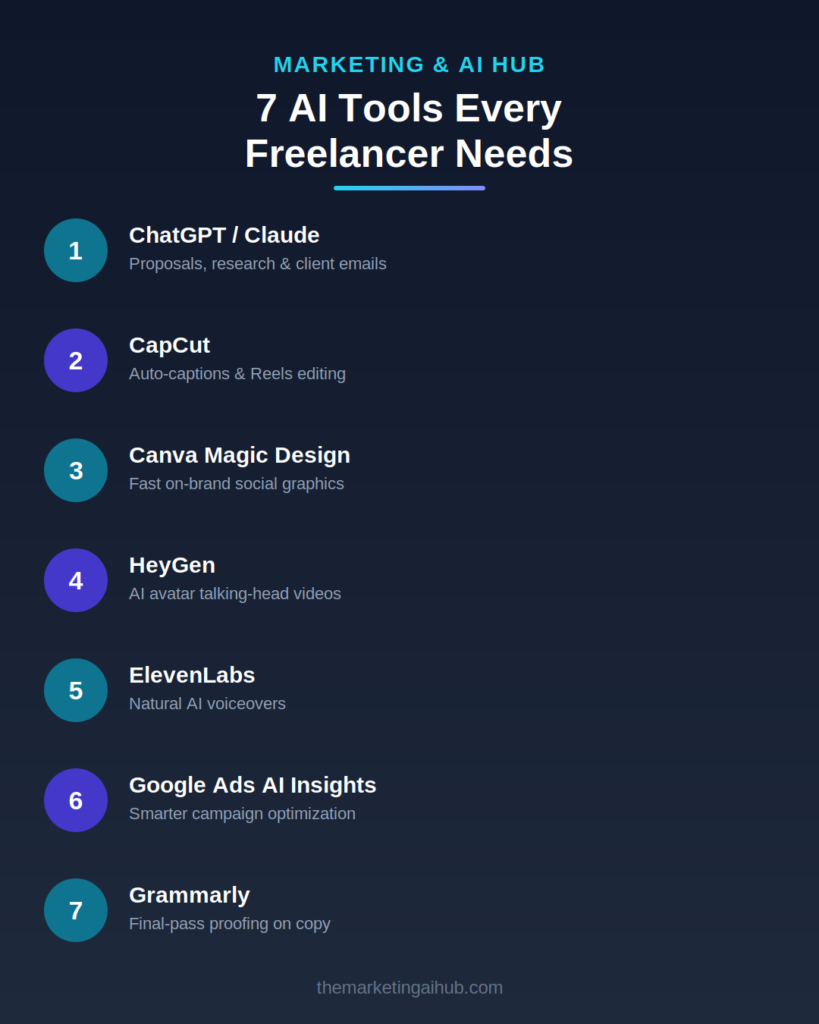
If you’re freelancing in marketing, content, or client services, you’re competing with people who’ve figured out
how to do in 2 hours what used to take 10. The gap isn’t talent — it’s tooling. Here are seven AI tools that actually
earn their place in a freelancer’s workflow, and exactly what job each one does.
- ChatGPT / Claude — Client Communication & Research
Before you write a proposal, a client email, or a content brief, run your rough draft through an AI assistant. It won’t
replace your judgment, but it will catch weak phrasing, tighten your pitch, and help you research an unfamiliar
niche fast when a client asks you to work in an industry you don’t know well yet.
Best for: proposals, outreach emails, quick research, restructuring messy notes into a clean brief. - CapCut — Video Editing for Reels & Shorts
If you’re producing short-form video for clients or your own brand, CapCut’s auto-captions, template library, and
one-tap resizing (9:16, 1:1, 16:9) save hours per video. The auto-caption feature alone is worth it — accurate
captions boost watch time on silent autoplay feeds.
Best for: Reels, YouTube Shorts, repurposing long videos into clips. - Canva (with Magic Design) — Fast, On-Brand Graphics
Canva’s AI features generate a first-draft layout from a prompt or existing brand kit, which you then refine. For
freelancers juggling multiple clients’ brand guidelines, this cuts graphic turnaround from an hour to fifteen
minutes.
Best for: social graphics, carousel posts, quick client mockups. - HeyGen — AI Avatars for Talking-Head Content
HeyGen lets you generate a talking avatar video from a script, which is useful when you need to produce content
in bulk, in multiple languages, or without being on camera yourself every time. It’s not a replacement for authentic
video, but it’s a strong tool for scaling explainer or tutorial content.
Best for: product explainers, multi-language content, scaling video output. - ElevenLabs — Natural-Sounding Voiceovers
ElevenLabs generates realistic voiceovers from text, which is genuinely useful for infographic explainer videos, ad
voiceovers, and narrating tutorials without needing studio recording equipment.
Best for: ad voiceovers, video narration, multilingual dubbing. - Google’s AI-Assisted Ads Insights
If you manage Google Ads for clients, leaning on the platform’s own AI insights (search term trends, asset
performance, audience signals) rather than ignoring them will save you from micromanaging campaigns that the
algorithm can already optimize better than manual bid changes.
Best for: campaign optimization, catching underperforming assets early. - Grammarly — AI Writing Checker
Every piece of client-facing copy — emails, ad copy, landing pages — should pass through a grammar and clarity
check before it goes out. It’s the cheapest insurance against looking unprofessional.
Best for: final-pass proofing on any client deliverable.
How to Actually Pick Your Stack?
Don’t adopt all seven at once. Pick one tool that solves your biggest current bottleneck — usually either video
editing time or graphic design time — and get fluent in it before adding the next. A freelancer using two tools well
outperforms one using seven tools badly.
Want help setting up an AI-assisted workflow for your freelance marketing business, or need someone to manage yourGoogle Ads campaigns?
Visit-themarketingaihub.com/contact